




Blog
Best IPS Setup for Work-From-Home in Bangladesh 2026

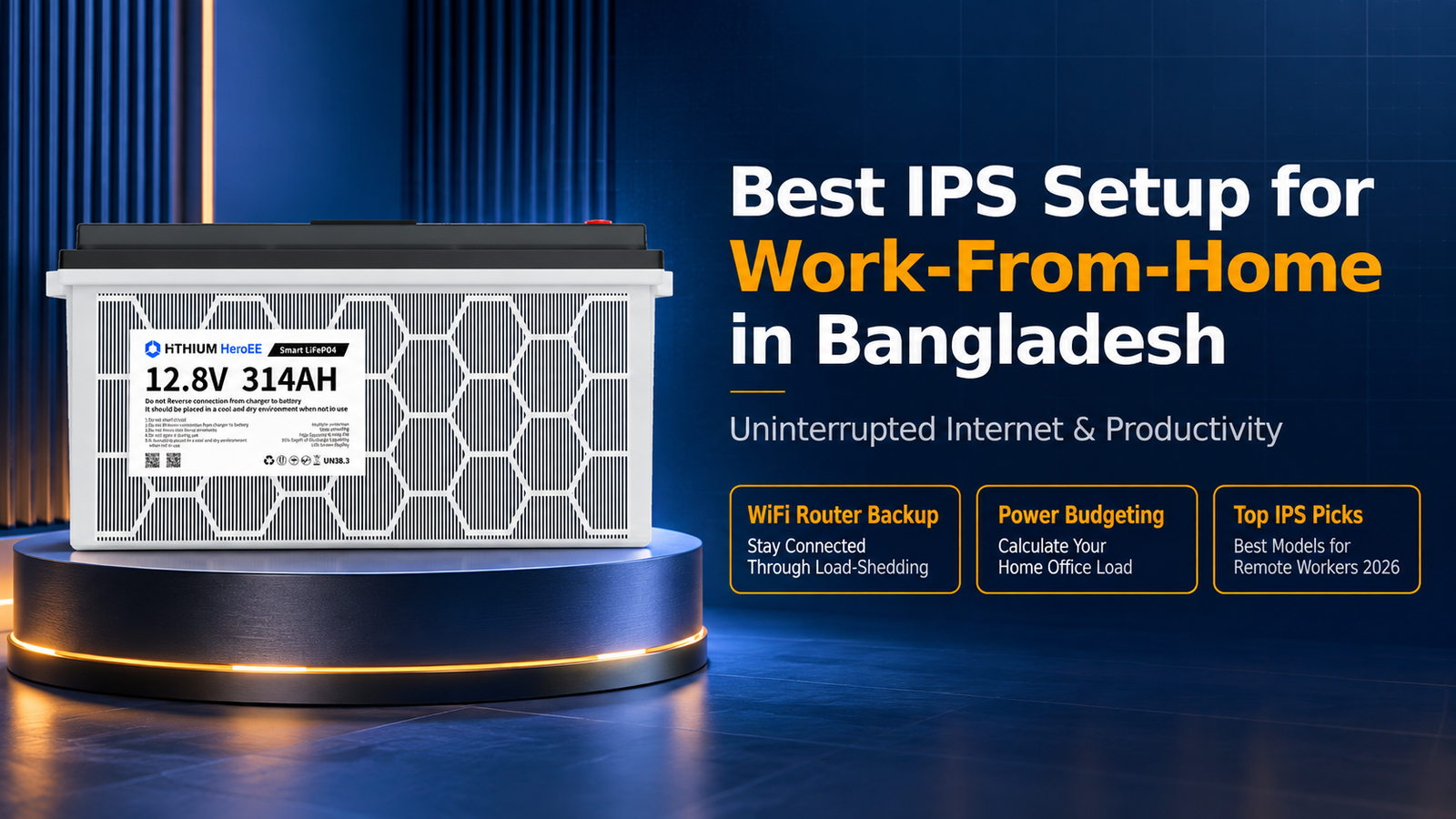
Best IPS Setup for Work-From-Home in Bangladesh — Complete Guide 2026
Working from home in Bangladesh means dealing with unpredictable load-shedding schedules, voltage fluctuations, and sudden power cuts during video calls. A reliable IPS (Instant Power Supply) setup keeps your internet router, laptop, and home office running through every outage — so you never miss a client meeting or lose unsaved work.
According to the HiTHIUM lithium IPS product line, modern lithium battery IPS units provide 3–5 times more backup time than traditional lead-acid models at the same price point. For remote workers, this difference is critical: a lithium IPS can keep a typical home office running for 4–6 hours on a single charge, while a tubular battery IPS may only last 1–2 hours under the same load.
This guide covers exactly what you need to set up a work-from-home IPS system in Bangladesh — from calculating your power requirements to choosing the right capacity and brand.
What Load Does a Work-From-Home Setup Actually Need?
Before buying any IPS, you need to know your actual power consumption. Most Bangladeshi remote workers run a setup like this:
| Device | Typical Wattage | 8-Hour Usage |
|---|---|---|
| Laptop (charging) | 45–65W | 360–520 Wh |
| WiFi Router | 12–18W | 96–144 Wh |
| Monitor (external) | 25–40W | 200–320 Wh |
| LED Desk Lamp | 10–15W | 80–120 Wh |
| Smartphone charging | 15–20W | 30–40 Wh |
| Total | 107–158W | 766–1,144 Wh |
A typical home office with WiFi router, laptop, monitor, and a lamp draws roughly 110–160 watts. Over 4 hours of load-shedding, that adds up to 440–640 Wh of energy. A 12V 100Ah lithium battery stores 1,280 Wh, which gives you plenty of headroom for extended outages.
How many watts does a WiFi router and laptop use with an IPS?
A WiFi router uses 12–18 watts and a laptop charger uses 45–65 watts, totaling 57–83 watts combined. With an IPS running both devices, you can expect 10–20 hours of backup from a 12V 100Ah lithium battery, or 3–5 hours from a comparable tubular battery setup.
How to Choose the Right IPS Capacity for Home Office Use
The IPS capacity you need depends on two factors: your total wattage and how many hours of backup you want. Here is a quick reference:
| IPS Capacity | Battery Type | Backup Time (100W load) | Ideal For |
|---|---|---|---|
| 600VA / 12V 50Ah | Lithium | 3–4 hours | Router + laptop only |
| 1000VA / 12V 100Ah | Lithium | 6–8 hours | Full home office setup |
| 1500VA / 24V 100Ah | Lithium | 10–14 hours | Full office + fan + lights |
| 2000VA / 24V 200Ah | Lithium | 16–20 hours | Heavy setup + AC |
For most Bangladeshi remote workers, a 1000VA lithium IPS with a 100Ah battery is the sweet spot. It provides 6–8 hours of backup for a standard home office and costs between ৳18,000–28,000 depending on the brand. The HiTHIUM lithium IPS range starts at ৳ 33,725 for the 200W model and includes a 5-year warranty.
WiFi Router Backup: The Most Critical Device for Remote Workers
Your internet connection is the single most important device to keep powered during load-shedding. Without WiFi, your laptop battery is useless for video calls, cloud apps, and real-time collaboration.
A standard Bangladeshi WiFi router (GPON or fiber) consumes only 12–18 watts. This means even a small UPS or IPS unit can keep your router running for 10+ hours. However, many home IPS setups use a shared battery for all devices, which reduces total backup time.
Pro tip: Connect your WiFi router directly to the IPS output (not through a power strip with other devices). This ensures the router gets priority power and runs longest during extended outages. Some IPS models have a dedicated “router output” port — the HiTHIUM smart IPS range includes WiFi monitoring so you can track battery status from your phone.
Can I connect just my WiFi router to an IPS for work-from-home?
Yes, connecting only your WiFi router to an IPS is an excellent budget-friendly option. A router uses 12–18 watts, so even a 600VA IPS with a 50Ah lithium battery can keep your internet running for 15–20 hours. This is ideal if your laptop already has a healthy battery that lasts 4–6 hours on its own.
Lithium IPS vs Tubular Battery: Why Remote Workers Should Choose Lithium
For home office use, lithium battery IPS units offer clear advantages over traditional tubular lead-acid batteries:
| Feature | Lithium IPS | Tubular Battery IPS |
|---|---|---|
| Backup time (1kWh, 200W load) | 4–5 hours | 2–3 hours |
| Weight | 8.5 kg–18 kg total | 30–50 kg total |
| Charge time | 2 hours | 8–12 hours |
| Lifespan | 11,000 cycles (25 years) | 500–800 cycles (2–3 years) |
| Maintenance | Maintenance-free | Regular topping up |
| Noise | Silent | Fan noise common |
| Cost (1kWh) | ৳ 33,725–50,800 | ৳12,000–18,000 (battery every 2–3 years) |
The faster charge time is especially important for remote workers. If a power cut hits in the morning and power returns at noon, a lithium IPS recharges to 80% in just 2–3 hours — ready for the afternoon session. A tubular battery takes 8–12 hours to fully recharge, meaning you might not have full backup by the next morning.
Over a 5-year period, a lithium IPS actually costs less than tubular because you avoid replacing lead-acid batteries every 2–3 years. See our lithium vs tubular cost comparison for detailed numbers.
How to Set Up Your IPS for Maximum Home Office Productivity
Follow these steps to install and configure your IPS for work-from-home reliability:
- Calculate your total load — Add up the wattage of every device you need during a power cut (router, laptop, monitor, lamp). Use the table above as a starting point.
- Choose IPS capacity — Select an IPS with at least 20% more capacity than your calculated load. This headroom extends battery life and prevents overloading.
- Position the IPS near your desk — Keep cables short between the IPS and your devices. Long cables cause voltage drop and reduce efficiency.
- Connect router first — Plug your WiFi router into the IPS first, then add other devices. This ensures the router stays powered even if you turn off other devices to extend backup time.
- Test during off-hours — Run a full test on a weekend: switch off mains power and time how long your setup runs. This gives you a realistic backup duration for your specific load.
- Enable smart features — If your IPS has WiFi monitoring or app connectivity, set up alerts for low battery. This lets you save work before the battery runs out.
Top IPS Picks for Remote Workers in Bangladesh 2026
Based on our testing and customer feedback, here are the best IPS options for home office use in Bangladesh:
| Model / Brand | Capacity | Battery | Price (BDT) | Best For |
|---|---|---|---|---|
| HiTHIUM | 1000Wh / 3.2V | 314Ah LiFePO4 | ৳33,725 | Budget home office |
| HiTHIUM | 4000Wh / 6.4V | 314Ah LiFePO4 | ৳74,500 | small office + WiFi monitoring |
| Luminous 1125Ah | 1500VA / 12V | 100Ah Lithium | ৳25,000 | Established brand trust |
| Hamko 1000VA | 1000VA / 12V | 100Ah LiFePO4 | ৳17,000 | Lowest price option |
The HiTHIUM 1500VA Smart model is our top recommendation for remote workers who need reliable all-day backup. It includes WiFi monitoring so you can check battery status from your phone, auto-switching that activates in under 10 milliseconds (fast enough to keep your router alive), and a 3-year warranty. Visit the HiTHIUM shop for current pricing and availability.
Frequently Asked Questions
What happens to my internet during load-shedding if I have an IPS?
When load-shedding begins, your IPS automatically switches to battery power in less than 10 milliseconds. Your WiFi router, laptop, and other connected devices continue running without interruption. Most users experience no disruption to video calls or cloud applications during the switch.
How long can a 1000VA IPS keep my home office running?
A 1000VA lithium IPS with a 100Ah battery can run a typical home office (router + laptop + monitor, totaling 100–150W) for 6–8 hours on a full charge. A tubular battery at the same capacity would only last 2–3 hours under the same load.
Is it safe to use an IPS with my laptop while it is charging?
Yes, it is completely safe. Modern IPS units provide clean, regulated 220V AC output — the same as mains power. Your laptop charger works normally whether plugged into mains or IPS. In fact, running your laptop on IPS power during load-shedding prevents battery drain and keeps your work session going.
Should I buy a UPS or IPS for my work-from-home setup?
For work-from-home use in Bangladesh, an IPS (Inverter Power Supply) is the better choice. A UPS typically provides only 5–15 minutes of backup — enough to save work and shut down safely. An IPS provides hours of backup, which is what you need for full productivity during Bangladesh’s 2–4 hour load-shedding windows. See our UPS vs IPS comparison for details.
Can I add solar panels to my IPS for free electricity during the day?
Yes, many modern lithium IPS units support solar panel charging. A 200W solar panel can keep your home office IPS charged during daylight hours, effectively giving you free backup power. This is especially valuable in Bangladesh where daytime load-shedding affects many areas. Check our solar IPS guide for setup instructions.
Conclusion: Invest in Reliable Backup Power for Your Career
Remote work is not a temporary trend in Bangladesh — it is the new normal for thousands of professionals in Dhaka, Chattogram, Sylhet, and across the country. A reliable IPS setup is not just a convenience; it is a professional necessity that protects your income, reputation, and productivity.
The right lithium IPS pays for itself within a year through saved battery replacement costs alone. More importantly, it gives you the peace of mind that every video call, deadline, and client deliverable is protected from load-shedding.
Ready to upgrade your work-from-home setup? Browse the HiTHIUM shop for lithium IPS units starting at ৳15,500, or contact us for personalized advice on the right capacity for your home office.
📖 Related Guides — HiTHIUM Bangladesh
Recommended HiTHIUM Products
Based on your needs, here are the best HiTHIUM lithium IPS and power station options for Bangladesh:
| Product | Capacity | Best For | Price |
|---|---|---|---|
| HiTHIUM HeroEE Light 1 (500W, 1kWh) | 500W, 1kWh | Small homes, 5 fans +4 lights + router | ৳50,800 |
| HiTHIUM HeroEE 2 (1000W, 2kWh) | 1000W, 2kWh | Medium homes, fridge + fans + lights | ৳78,100 |
Free delivery across Bangladesh. WhatsApp us for consultation: Contact HiTHIUM
